Last Updated on February 26, 2026 by Rajeev Bagra
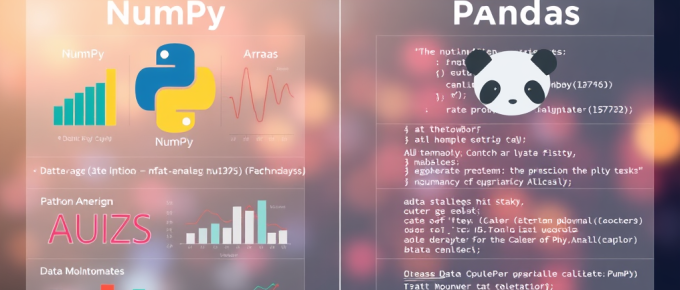
Python has become the backbone of modern data analysis, machine learning, and scientific computing. Two of the most popular libraries powering this ecosystem are NumPy and pandas.
Both are powerful. Both are widely used. Both are considered “number-crunching” tools.
But they are not the same.
This article explains:
- How NumPy and Pandas differ
- Which one is suited for which niche
- Whether they compete or complement each other
- How they fit into real-world data workflows
What Is NumPy?
NumPy (Numerical Python) is a library designed for high-performance numerical computation.
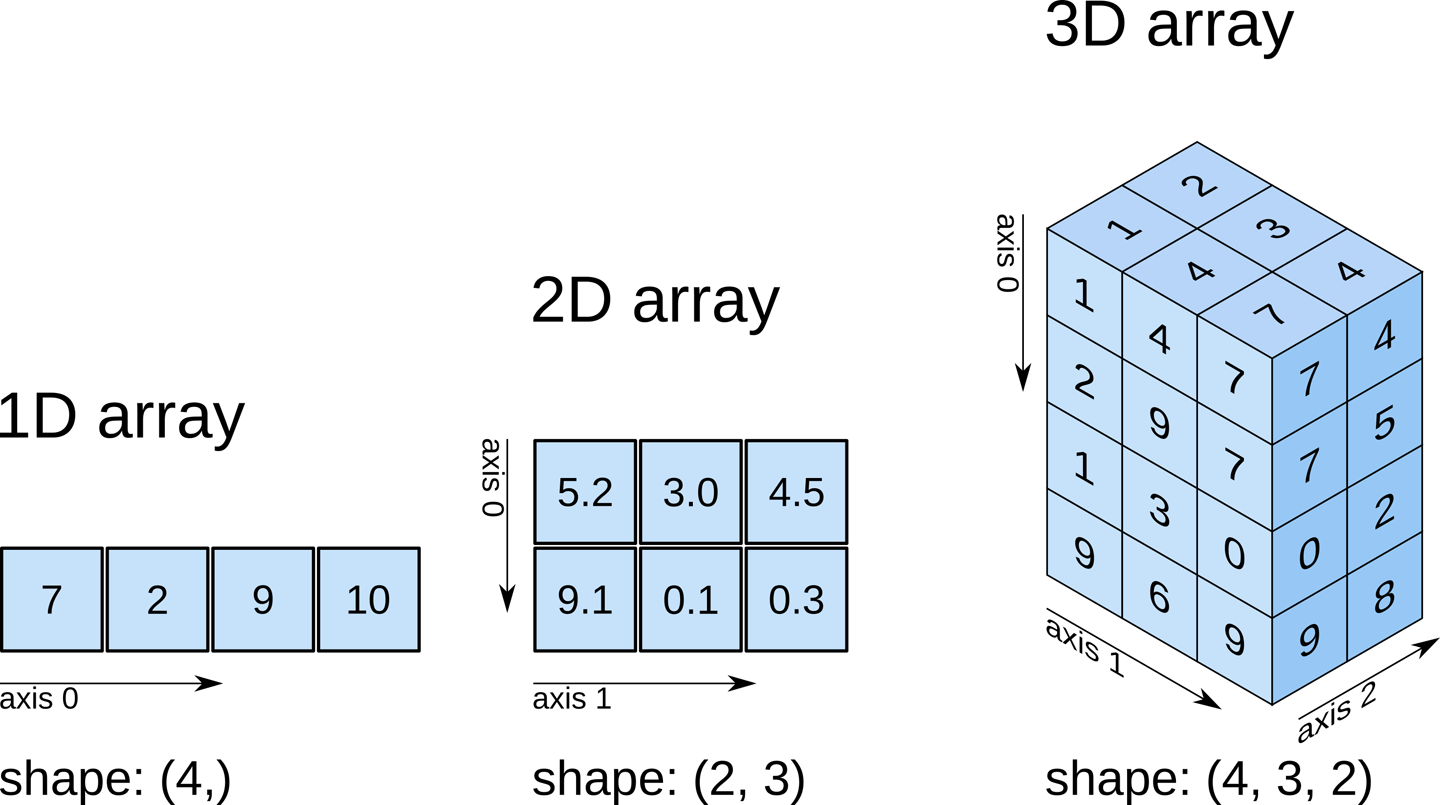
At its core is the ndarray (n-dimensional array), which allows fast mathematical operations on large datasets.
Key Characteristics of NumPy
- Works with homogeneous data types (all numbers typically of the same type)
- Extremely fast and memory efficient
- Written in C internally for performance
- Ideal for mathematical and scientific computation
Best Suited For:
- Linear algebra
- Matrix operations
- Statistical computations
- Simulations
- Machine learning algorithms (core math)
- Signal processing
- Engineering calculations
Example:
import numpy as np a = np.array([1, 2, 3]) b = np.array([4, 5, 6]) print(a + b)This performs vectorized addition — far faster than traditional Python loops.
What Is Pandas?
Pandas is a high-level data analysis library built on top of NumPy.
Its main structures are:
Series→ 1D labeled dataDataFrame→ 2D labeled tabular data (like Excel or SQL tables)
If NumPy is a mathematical engine, Pandas is a spreadsheet intelligence system.
Key Characteristics of Pandas
- Works with mixed data types (numbers, strings, dates, etc.)
- Provides row and column labels
- Handles missing data gracefully
- Excellent for reading CSV, Excel, and database data
- Designed for data cleaning and manipulation
Best Suited For:
- Business analytics
- Data cleaning and preprocessing
- CSV/Excel processing
- SEO and marketing data analysis
- Financial analysis
- Time-series analysis
- ETL pipelines
Example:
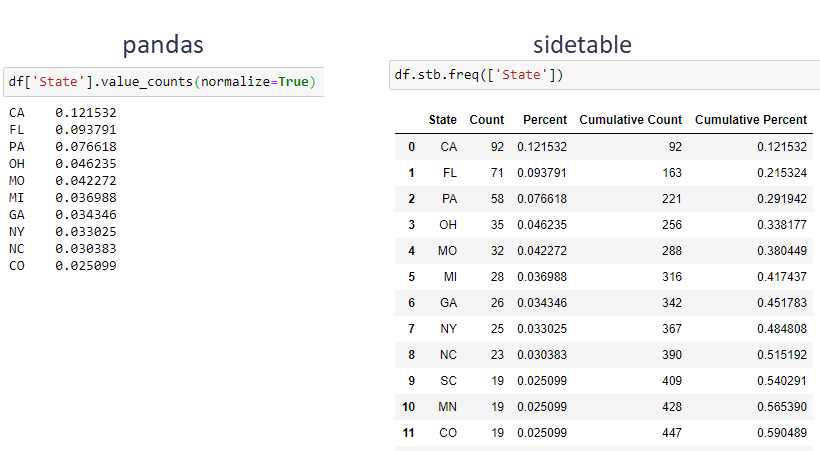
import pandas as pd df = pd.read_csv("sales.csv") print(df.groupby("Region")["Revenue"].sum())This kind of grouping and aggregation is much more intuitive in Pandas than in pure NumPy.
Core Differences Between NumPy and Pandas
| Feature | NumPy | Pandas |
|---|---|---|
| Primary Focus | Numerical arrays | Tabular data analysis |
| Data Type | Homogeneous | Heterogeneous |
| Labels | No | Yes (rows & columns) |
| Speed | Extremely fast | Slightly slower (but optimized) |
| Use Case | Math-heavy computation | Data manipulation & analytics |
| Built On | C | NumPy |
Are They Complementary?
Absolutely.
Pandas is built on NumPy. Under the hood, Pandas uses NumPy arrays for storing data efficiently.
In fact, most data science workflows follow this structure:
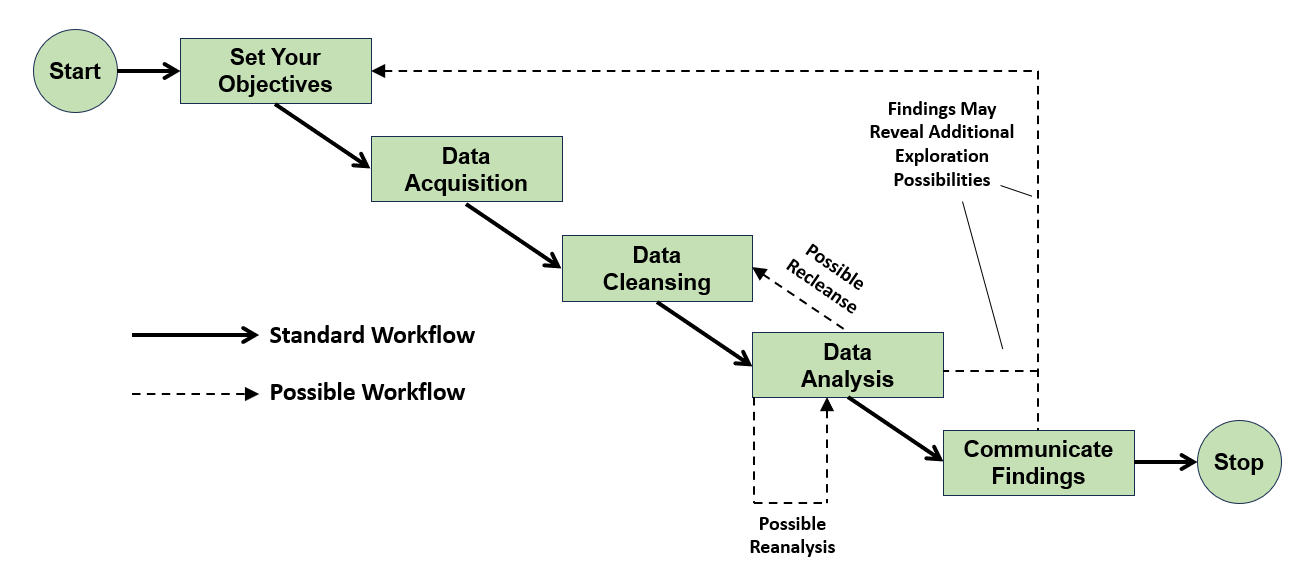
Raw Data → Pandas (cleaning & preparation) → NumPy (numerical operations) → Machine Learning Model
Libraries such as:
- scikit-learn
- TensorFlow
- PyTorch
depend heavily on NumPy-style array computations.
Pandas prepares the data. NumPy powers the math.
They are not competitors — they are layers in the same ecosystem.
Real-World Use Case Examples
Scenario 1: SEO Data Analysis
- Export data from Google Search Console (CSV)
- Use Pandas to filter pages, remove duplicates, group by queries
- Convert numeric columns to NumPy arrays for deeper statistical analysis
Scenario 2: Financial Modeling
- Load stock price history using Pandas
- Clean missing dates
- Use NumPy for matrix-based risk modeling
Scenario 3: Machine Learning Pipeline
- Clean dataset using Pandas
- Convert to NumPy arrays
- Train model using scikit-learn
Which One Should You Learn First?
It depends on your goal.
For Business Analysts, SEO Professionals, and Beginners:
Start with Pandas.
It gives immediate practical value when working with real-world datasets.
For Aspiring Data Scientists and ML Engineers:
Master NumPy deeply.
Understanding array operations is essential for:
- Linear algebra
- Optimization algorithms
- Neural networks
A Simple Analogy
- NumPy = The engine
- Pandas = The dashboard and steering system
You need both to drive effectively.
Final Verdict
NumPy and Pandas form the backbone of Python’s data ecosystem.
- NumPy provides raw computational power.
- Pandas provides structured data intelligence.
- Together, they enable everything from business analytics to deep learning.
Rather than choosing one over the other, the smartest approach is understanding how they work together.
In modern data workflows, mastery of both is not optional — it is foundational.